
Disable and Enable UAC from Windows 7
 |
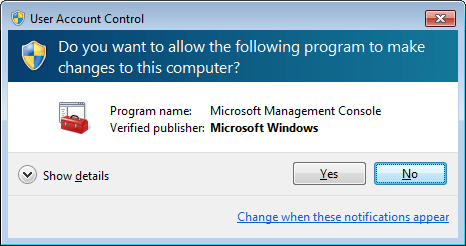 |
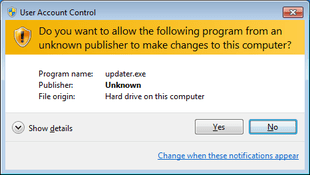
What is UAC [User Access Control]? – is a technology and security infrastructure introduced with Microsoft’s Windows Vista and Windows Server 2008 operating systems, with a more relaxed version also presented in Windows 7 and Windows Server 2008 R2. Relaxed? No way, it’s ignoring for some. There are ways to disable this feature within your OS manually:
Go to Start > Start typing in “User Account Control”:

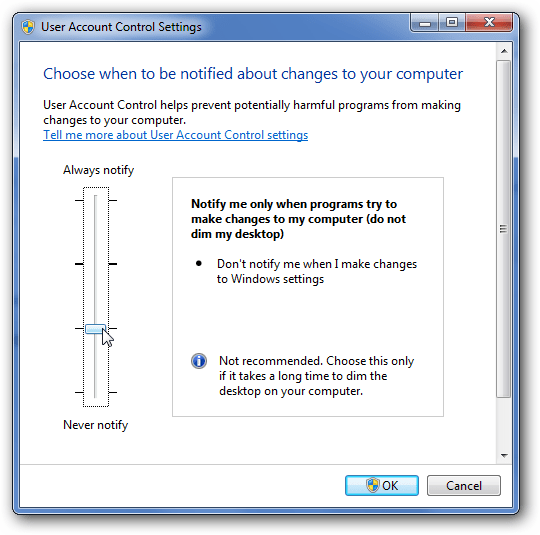
Now, for the techie part – there are some registry settings that you could disable and enable the UAC settings on the machine. This registry setting can be pushed out with a GPO or during log in time.
Disable UAC:
Windows Registry Editor Version 5.00
; Created by: Bernardo Arocho Jr.
[HKEY_LOCAL_MACHINE\SOFTWARE\Microsoft\Windows\CurrentVersion\Policies\System]
“EnableLUA”=dword:00000000
Enable UAC:
Windows Registry Editor Version 5.00
; Created by: Bernardo Arocho Jr.
[HKEY_LOCAL_MACHINE\SOFTWARE\Microsoft\Windows\CurrentVersion\Policies\System]
“EnableLUA”=dword:00000001

Leave a Reply